
Darker: A Smarter Way to Protect Your Eyes While Using Your Phone at Night

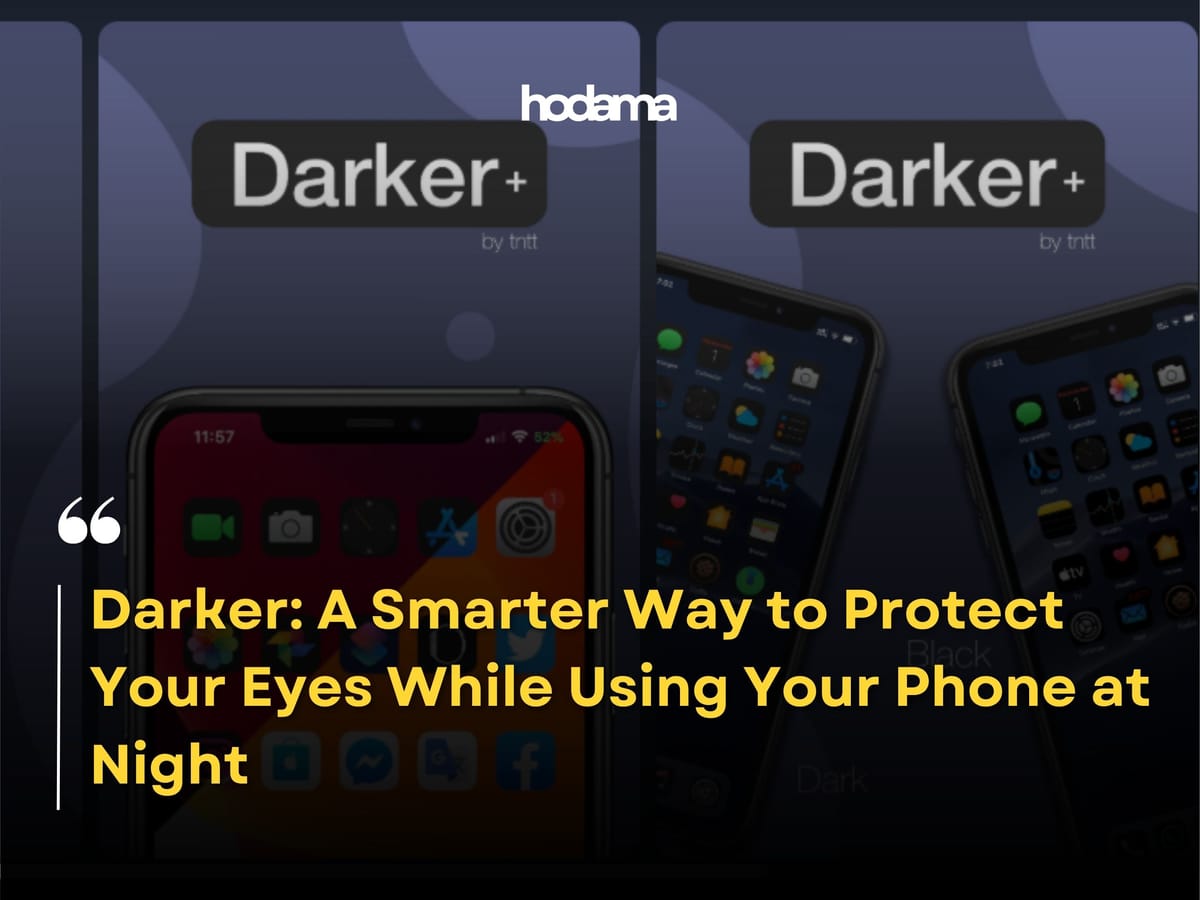
We live in a time where smartphones have quietly become an extension of ourselves. Especially at night, when everything slows down, many of us find comfort in scrolling through social media, watching videos, or simply browsing without purpose. It feels harmless, almost relaxing. But behind this привычка lies a subtle and often ignored issue that builds up over time. That issue is prolonged exposure to screen brightness and blue light, particularly in low light environments.
This is where Darker becomes surprisingly relevant. At first glance, it may seem like just another utility app, but its purpose is far more meaningful when you understand the limitations of default smartphone settings. Most Android devices come with a brightness slider, but even at its lowest setting, the screen can still feel uncomfortably bright in a completely dark room. That discomfort is not just annoying. It is a sign of strain on your eyes.
From a scientific perspective, exposure to blue light emitted by screens during nighttime disrupts the body’s natural circadian rhythm. Research has shown that this type of light suppresses melatonin production, the hormone responsible for regulating sleep. Over time, this can lead to sleep disturbances, eye fatigue, and even long term vision stress. So what feels like a simple habit can gradually evolve into a health concern.
Darker addresses this problem through a clever workaround. Instead of relying solely on hardware level brightness control, it uses an overlay technique to dim the screen beyond the system’s minimum limit. In simpler terms, it adds a filter layer that reduces the perceived brightness without interfering with the device’s core display settings. This approach makes a noticeable difference, especially during late night usage where even small adjustments can significantly reduce eye strain.
What makes the experience more compelling is the level of customization it offers. Users can fine tune dim levels, apply color filters, and even schedule automatic activation based on time. Some prefer warmer tones to reduce blue light exposure, creating a more natural and comfortable viewing experience. This aligns with a broader trend in modern technology where features like night mode and eye comfort settings are becoming standard across devices.
However, despite built in solutions, apps like Darker continue to stand out because of the control they provide. Native settings are often limited, while third party tools offer more granular adjustments that cater to individual preferences. For users who are sensitive to brightness or spend extended hours on their devices, this flexibility becomes essential rather than optional.
In the bigger picture, this is not just about convenience. It is about awareness. Technology is deeply embedded in our daily lives, and completely avoiding screen usage is unrealistic. But optimizing how we use it is entirely within our control. Small changes, like reducing screen brightness beyond default limits, can have a meaningful impact on long term wellbeing.
So if late night phone usage is part of your routine, it might be worth reconsidering how your screen affects your eyes. Because sometimes, the difference between comfort and damage lies in something as simple as how bright your screen is.